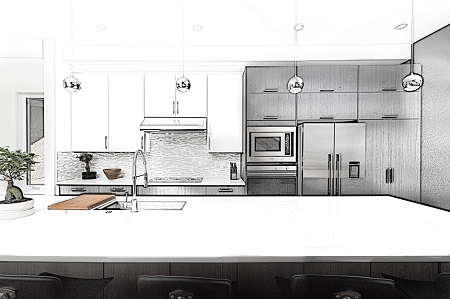
Every week someone surprises me with the type of application they made with our woodworking design software.
I received an email from a user asking an important question – and in that pointing out several techniques.
His question had to do with framing a room using standard assemblies to make copies of walls throughout the project. He has multiple assemblies – different walls in another room in the basement. He made one assembly (a wall) standard and tried to insert that wall into the second room. The issue is that assemblies cannot (at this time) be rotated in a project.
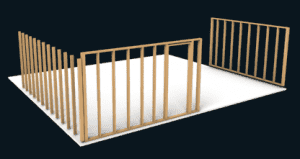
So the standard wall was going in the wrong direction. It is a little like the orientation of the board was at 90 degrees of what was wanted. The quick solution is to make a standard of a wall with the same orientation as he wanted and insert that.
Another solution – which illustrates methods of using the clone and space feature of our woodworking design software – is to create a new wall, insert a board, and clone and space many boards at equal distances with one command. It only takes minutes to create the entire wall.
This video shows how I used the clone and space feature to frame the wall on the left of the image.
The project shows the versatility of SketchList3D versus other furniture or cabinet design software offerings. SketchList3D allows you to design from the board level using whatever material (studs, stone, glass, metal).
By working form the board level you can design a project to meet your needs.