Here is an excerpt from an email I received from Tom, a new user of SketchList3D, just 10 days after he began using our custom cabinet design software:
“Starting to get the hang of SketchList 3D and I just got the go ahead on a couple orders where I used your software for renderings. They said they “loved” the look. Below are the renderings I sent them.”
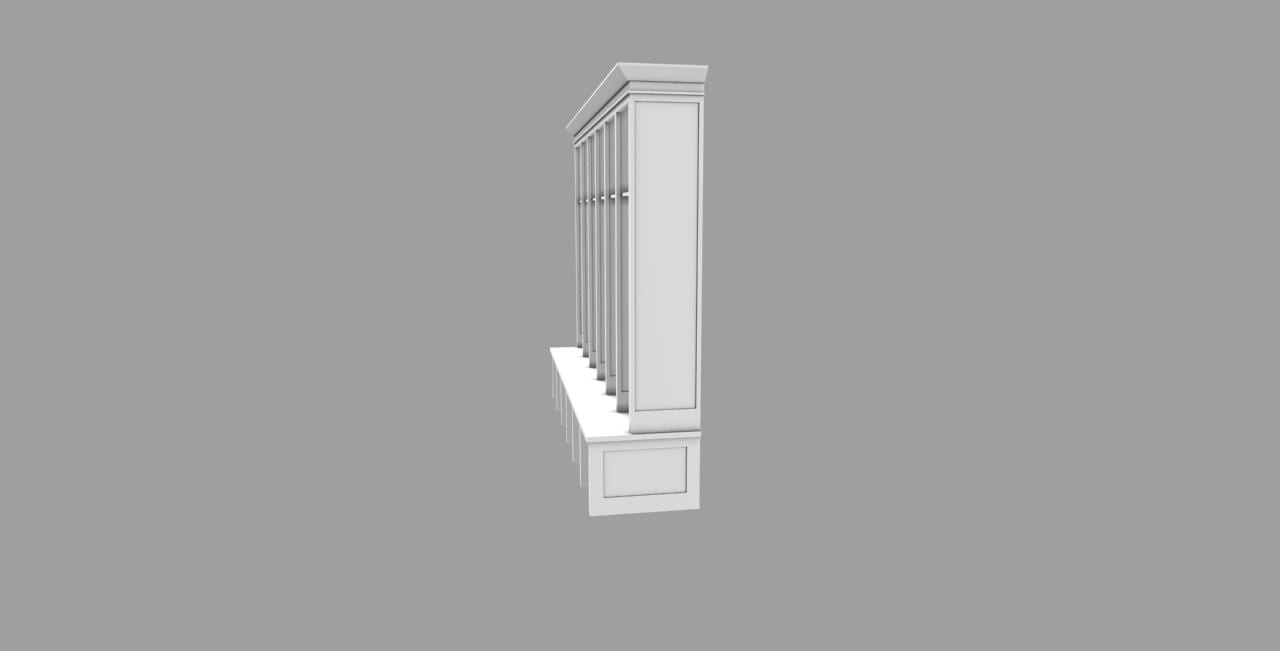
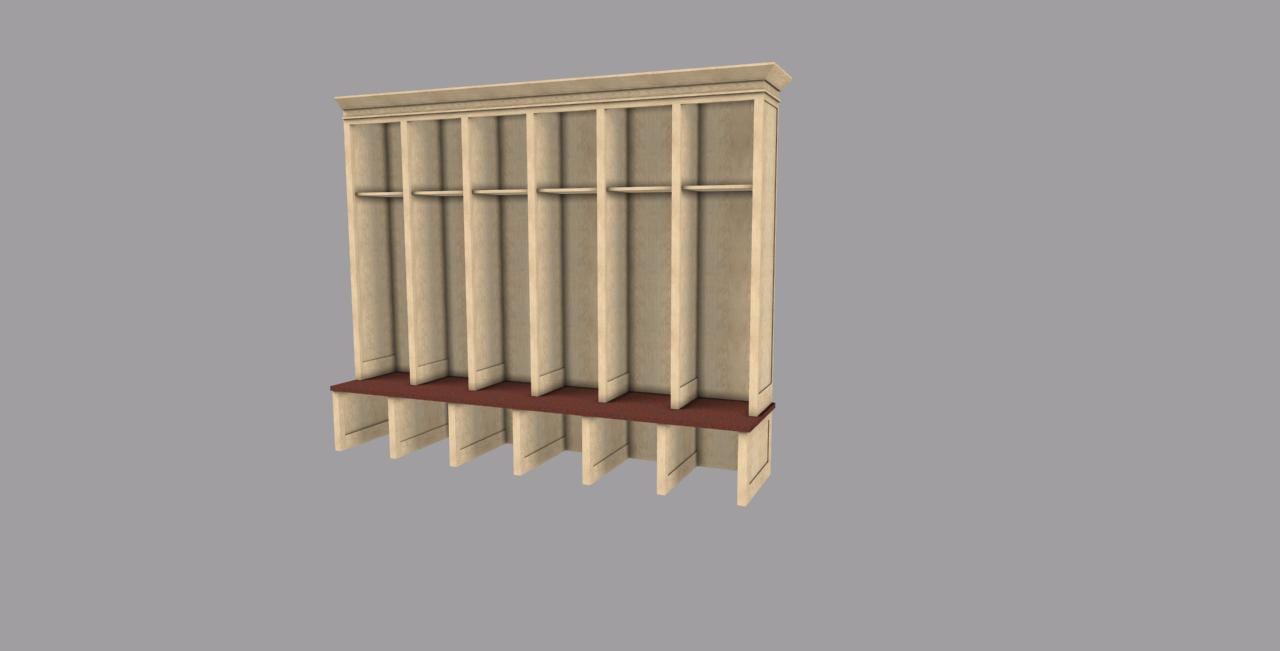
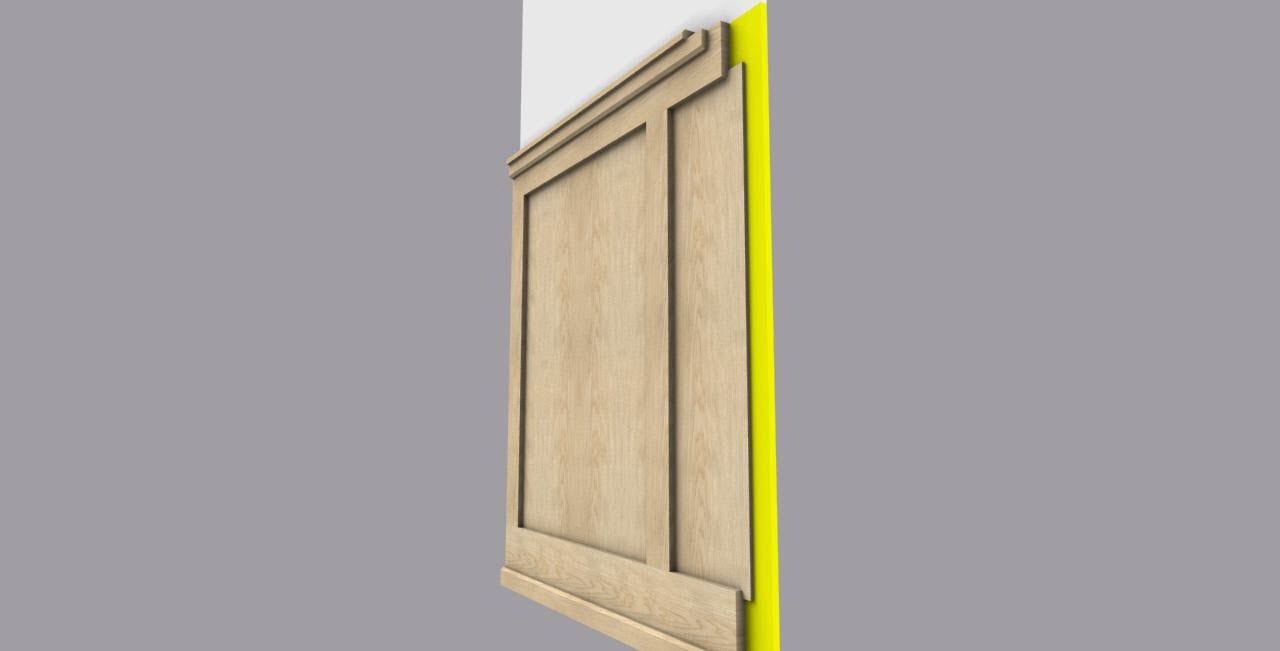
When we first spoke, he was still using pen and paper to generate proposals. He was having difficulty getting his ideas across in the minds of his prospects. And of course, client requests for changes were killing him.
In just 10 days, Tom was able to evaluate the software and learn to use SketchList 3D while simultaneously working on two other projects.
Using SketchList 3D’s custom software, he was able to render images that looked good, reassured his prospect that she was buying high-quality work. And in that he demonstrated professionalism.
Furthermore, he got the job!
There are 3 key steps to a quick, successful implementation of SketchList 3D.
1. Set practical goals for your first few custom design projects
- First I would recommend starting with a project that is fairly basic. Don’t worry about every joint and cut, or adding crown moldings, or angling a desk top. Save these more complicated woodworking designs for later.
- Next use high-quality images — maybe from a magazine or web page — which accurately capture your design ideas, and ensure that you and your prospect are on the same page.
- Finally, utilize parts lists and diagrams to help you manage your project in the shop.
2. Communicate Often. Reach out to us via phone or email with any questions.
- For users of SketchList 3D Pro – we offer a free online, one on one overview working with your custom design project. We have found that using real-life examples is significantly more effective and helps you learn our product faster. People have told our support team that they have saved hours of time by scheduling a 60-minute working session.
- Here at SketchList 3D, we have a number of highly experienced users who are willing to take the time to communicate with you, answer questions and share their experience with SketchList 3D.
- We have a full library of Training Videos that is geared toward basic ideas, concepts and tools which new users find helpful when learning to master SketchList 3D. Our basic introduction guide is especially useful to new SketchList 3D users.

As always, we are here to make you successful. If you feel you need to move up to computer generated modeling for your business, we will work with you to make that happen.
3. Motivate yourself to learn to use our kitchen design software.
I speak to very busy people every day. And I know that for them, time is money. Here at SketchList 3D, we work with you to make you as productive as possible, as quickly as possible.
Here’s what one person just like you are said about the value of SketchList 3D:
“I won three of my first four proposals I made in SketchList 3D. Not only that but it took half the time it used to take doing it by hand.”
We know you can do it. If you have any questions feel free to contact us at any time.